
Introduction
With Release 4.4. we further enhance our functionality for Ocean Freight Lane Assessment and also provide various other new features in different parts of our application
Ocean Lanes
- Dry Container Type for Ocean Lanes has been introduced.
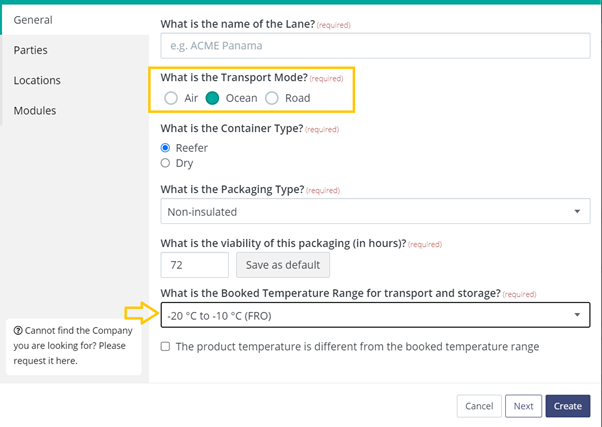
- It is possible to select Frozen as a booked temperature for Ocean Lanes with Reefer Container; to do that, one needs to choose reefer containers while selecting ocean lane and choose the relevant temperature range.
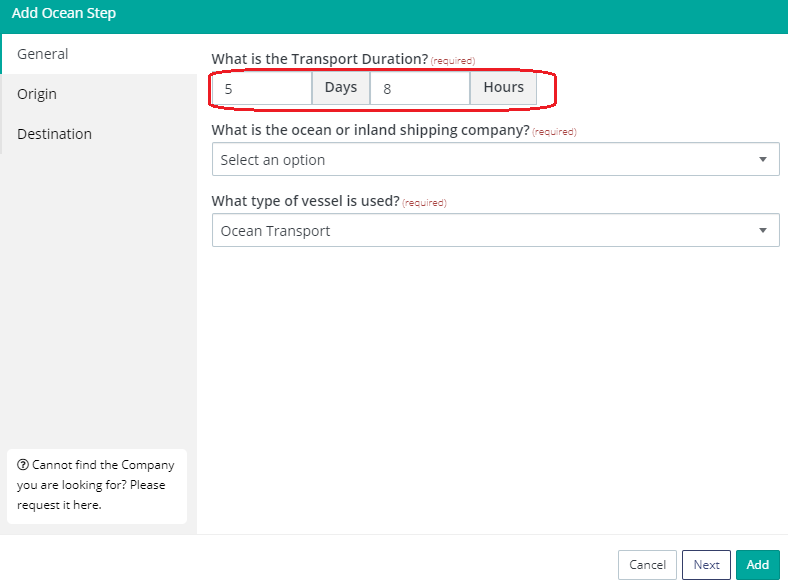
- For the ocean step, you can indicate duration in Days and Hours so that the user doesn't have to calculate the duration in hours while creating lanes.
- Our Road Freight Capabilities Checklist includes various questions that are specific to trailer transport. These questions do not apply to the road transport of containers (drayage) and are now excluded from the Quality Assessment in Ocean Lanes to make our algorithm more accurate for Ocean Freight Lanes.
Lane Management
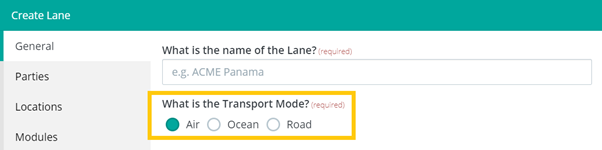
- You can now create lanes choosing transport mode (Air, Ocean, Road)
- A user can select a Supplier Location as Road Transport Supplier in the Lane Configuration
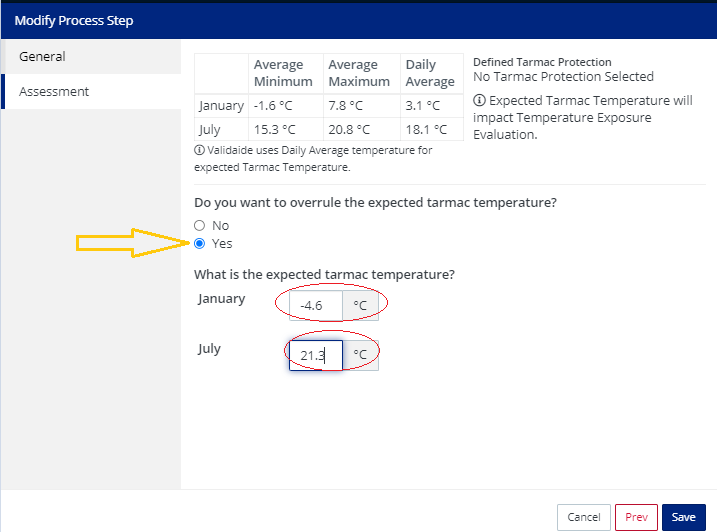
- You can now manually overrule tarmac temperature prediction and set your value for the tarmac temperature. When manually set, the temperature graph and exposure assessment will be using the manually set temperature.
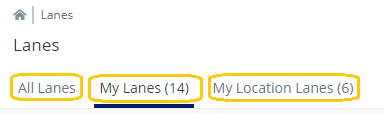
- A user can now see relevant lanes as Validaide has introduced pre-filters in the Lanes listing. There are three tabs in the Lanes listing: All lanes, My lanes, My location lanes. As the names suggested, the lanes listing are pre-filtered by relevant criteria.
Capabilities platform
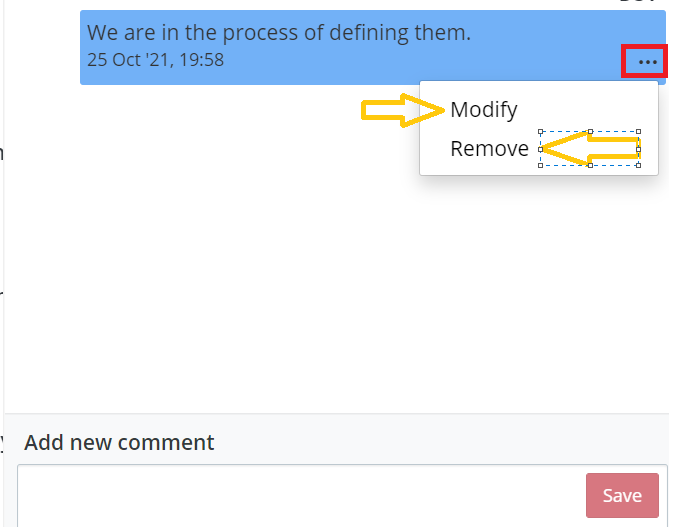
- Previously it wasn't possible to edit or modify comments once entered while filling the Questionnaire; we have now given the user the flexibility of changing or removing the comments.
Bugs
- In the Lane and SOP approval workflow, in the second iteration, the workflow was pre-approved by an approver who had approved the workflow in the first iteration. Now, If a workflow is rejected, all approvers will be asked to approve the workflow.
- When two filters are applied on the lanes listing page, e.g., involved Location, Involved User, or Involved Company, they return expected results.
- Previously, it was possible not to select any duration during the road, parking, or border crossing. Now the duration can not be null.
- A single Tenant User responsible for Location, Lane, SOP workflow, SOP contact cant be removed by a system administrator. This ensures Validaide always has a contact person responsible for the mentioned activity.
- When the Road step's packaging was set to "same as lane," the packaging type did not reflect in the steps. It is fixed.
- In the SOP PDF download, bold letters are now showing up as bold
Comments
0 comments
Please sign in to leave a comment.