
In Validaide we make it easy for you to search for any Location or Company that is available in our database.
The Search Bar can be found in top of any page to make it quickly and easily accessible:
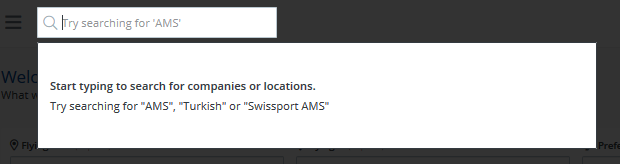
Search for a Company
You can search for any type of company within the special cargo logistics industry. When you click on the result, it will take you to the General page of the company. Here you can invite them to join the platform if they are not a tenant yet:
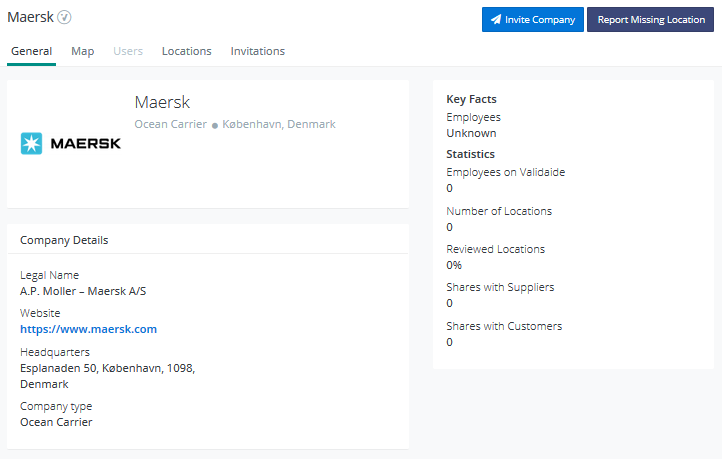
If they are already a tenant and they supply to you but you have not added them yet as a supplier, you can do it from here. Instead of the Invite Company button you will see "Add as Supplier".
You can also see their Locations if you switch to the corresponding tab.
In the Invitations tab you can see any invites that has been sent to this company by you or your colleagues.
Cannot find the Company you are looking for? Request it from us!
Search for a Location
When you search for a location type in the name of the location (e.g. AMS). Also typing in the name of the company that owns the location helps with getting more precise results (e.g. Swissport AMS).
Cannot find the location you are looking for? Request it from us!
If you click on the result, it will take you to the Location Profile where you can encounter different scenarios.
1. You can immediately see its capabilities if they are made public by someone or you have given access to them previously (it is indicated who defined them and when):
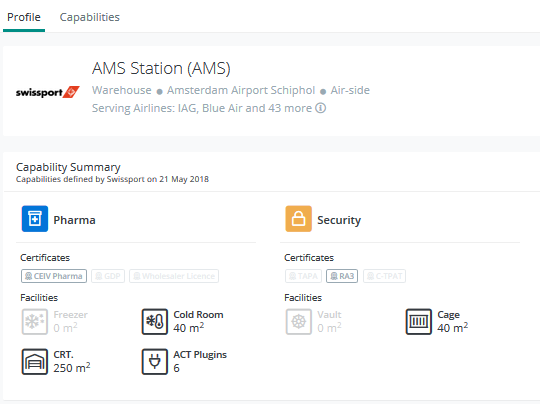
More on publicly available data
2. If the capabilities are not public but defined by someone (indicated by whom and when), you can send a sharing request:
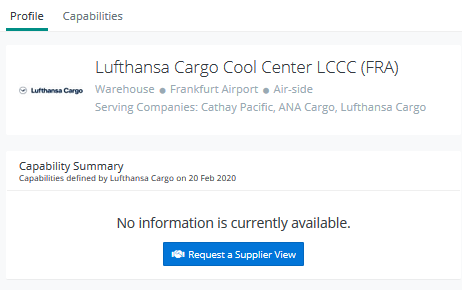
More on sending a Sharing Request
3. If the capabilities are not defined by anyone, you will be offered to invite the company that owns the location to join Validaide:
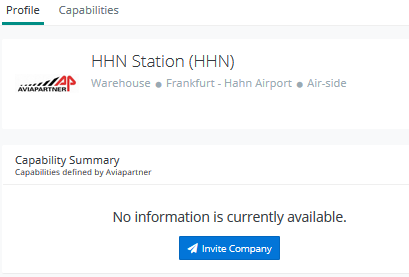
More on inviting a Company to join Validaide
Comments
0 comments
Please sign in to leave a comment.