
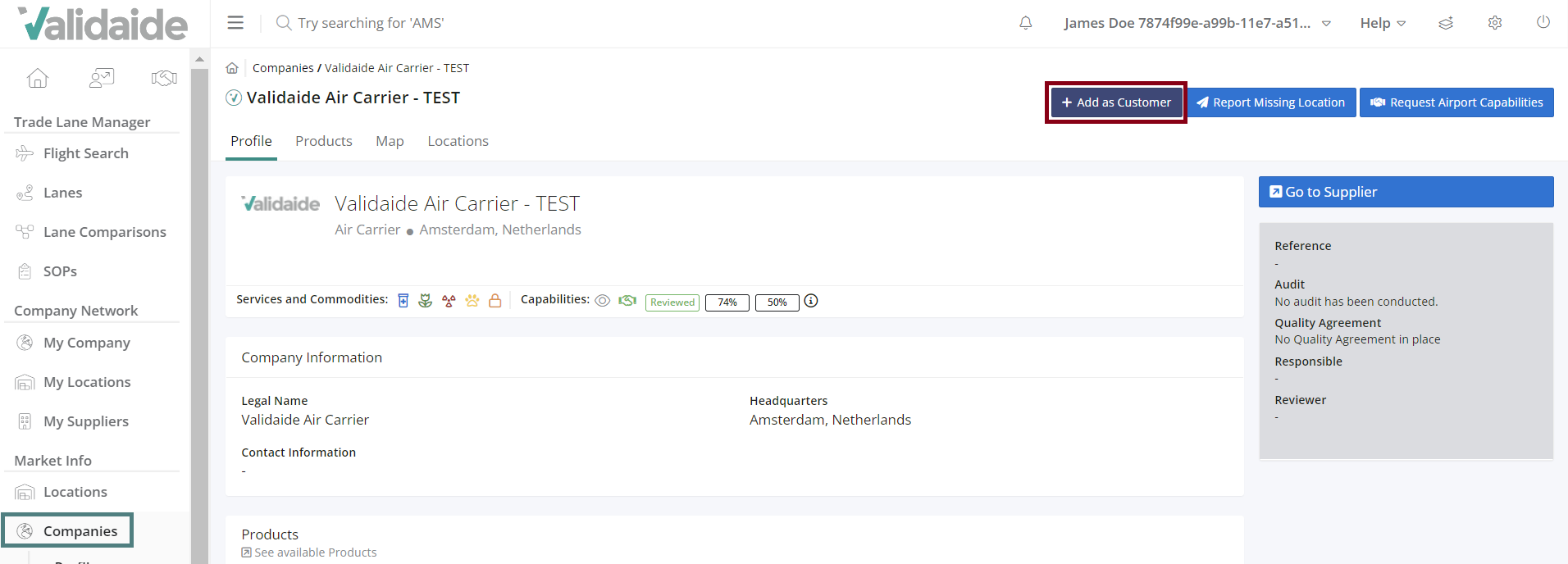
It is possible to mark a company as a customer by navigating to the ‘Market info – Companies’ and selecting active or inactive company and clicking on ‘Add as a customer’ button. When adding a company as a customer the user must fill in the internal reference in the confirmation pop-up. It is possible to later adjust this information in the ‘Configuration tab’ (general information panel) or to add a comment. The internal reference and the comment will be shown on the profile (gray panel on the right). The maximum number of characters for comment is 512.
Comments
0 comments
Please sign in to leave a comment.